



Most Etsy sellers thought creating listing videos requires fancy equipment, complex editing software, and hours of extra production time. So they never get around to it.
You don't actually need any of it. Your first listing video can be done in the next 10 minutes.
In this guide, we will break down the essential upload specs, an effortlessly simple filming method you can do today, and why these short clips are your strongest defense against AI-generated competitors.
Let's get started.
Listing Video Catches Attention on the Search Results Page
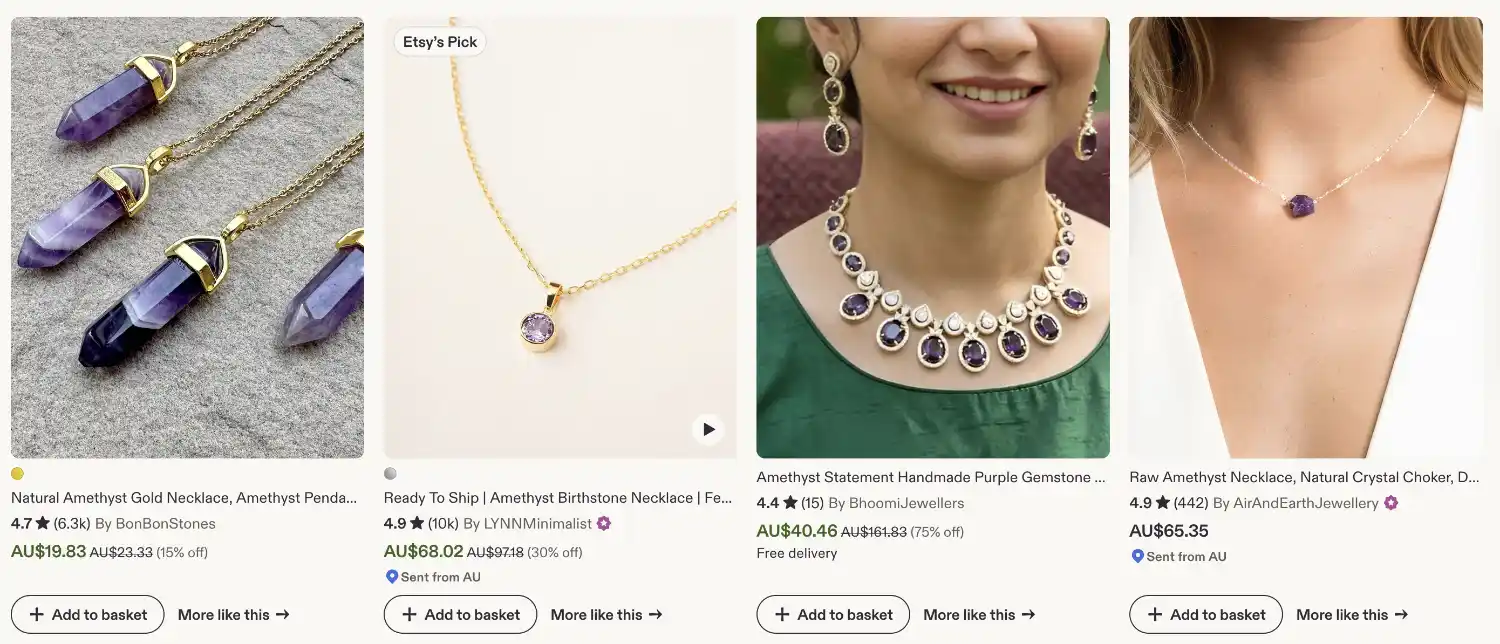
When a shopper's mouse hovers over a listing in Etsy's seach results, on desktop, the listing video plays automatically if there's one. This catches a shoppers attention in an instant, which is so valuable when you're competing with hundreds and thousands other listings. It holds the attention on your listing a little longer, which is a small thing that adds up across every visitor you get. That alone makes listing video an essential marketing tool for your Etsy shop.
Some Basics About Etsy Listing Videos
A few basics worth knowing before you upload your listing video:
- Number of Videos: You can upload 2 videos per listing
- Length: aim for 5 to 15 seconds. The longest you can upload is 15 seconds
- Sound: Etsy strips the audio anyway, so don't rely on a voiceover. If something genuinely needs explaining, overlay some simple text on the video, or put the words in another one of your listing photos instead
- Format: Etsy accepts MR4, MOV, and more as the file type, which most likely your phone videos already satisfies.
- Resolution: At least 1080px. The HD setting in your phone camera should be enough
- File size: keep it comfortably under 100MB, and compress it first if your phone exports something huge
- Ratio: The aspect ratio should be 2:1 (horizontal) or 1:2 (vertical). You may need to change the shooting default in your phone setting
Etsy's exact upload specs changes occasionally, so it's worth a quick check at your listing editor before filming your listing videos.
Keep Your Listing Video Simple
Here's the part that stops most sellers before they start: they imagine they need a ring light, a tripod, editing software, and other expensive equipment.
You don't need any of it.
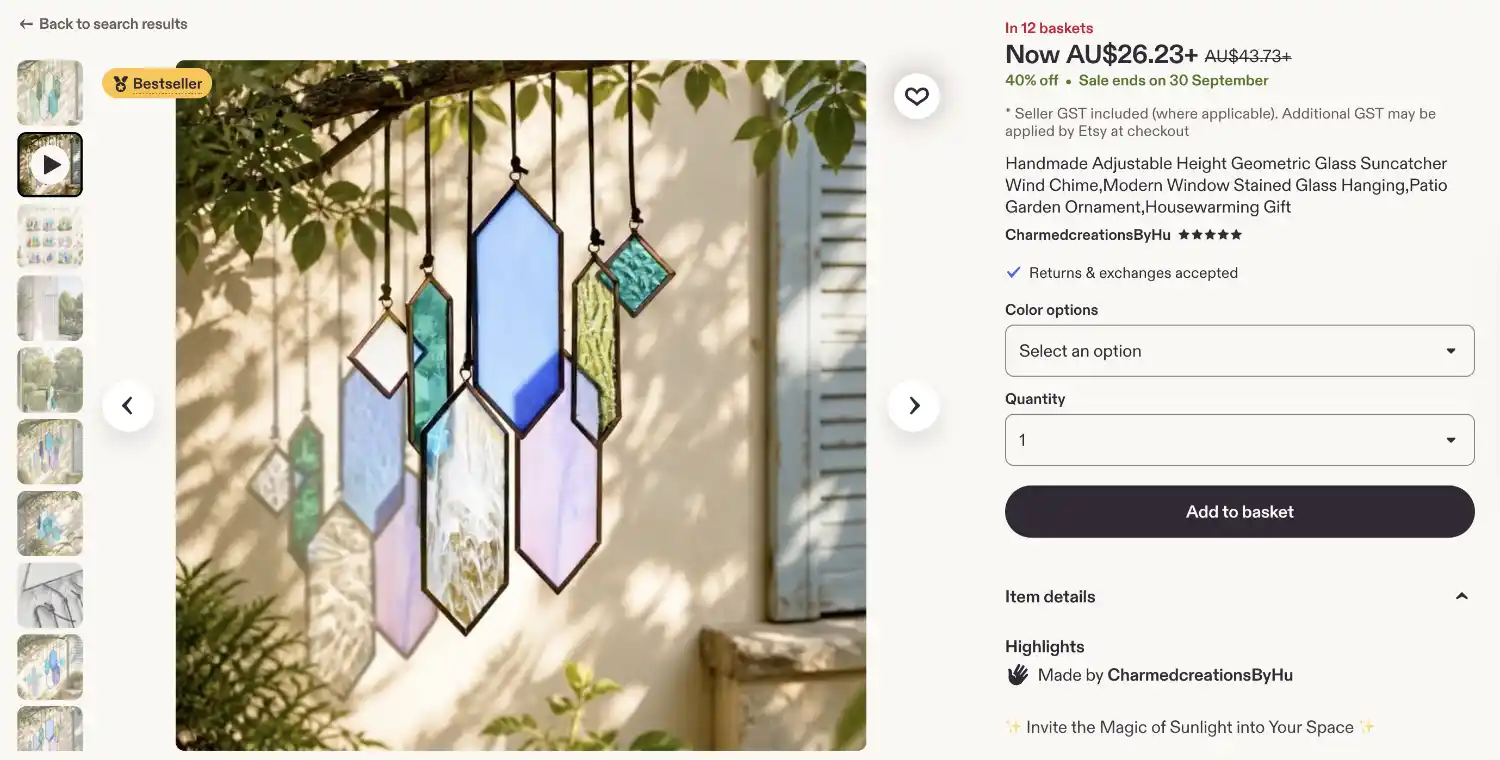
The simplest listing video that works is this: hold the piece in one hand, in indirect natural light, and slowly turn it so the shopper can see it the way they would if you'd handed it to them across a table. That's basically it. Make it five to ten seconds to show different angles of your product, and film it on the phone that you already have.
There are fancier formats you can try later, like a quick clip of the piece actually being made, a person modelling your product, or showing different ways your product can be used. But the hold-and-turn is the one to start with today, because you can do that in the next 10 minutes.
Batch It into the Photo Session You're Already Doing
If you've already set up window light and clearing your bench for listing photos, film the video right after you've taken the photos for that product. There's no need for a separate "video day". This habit is going to save you hours in the long-run.
Why Listing Video is One of Your Best Defenses Against AI Products
At the time of writing, as good as some of the AI video generators look, the videos they produce are still not 100% realistic. Upon closer inspection, they almost always give off an "AI slop" vibe. Filming yourself genuinely, whether you're showing your face or not, can help you stand out on Etsy as a real, genuine shop.
It is one of the simplest ways to answer the question more shoppers are asking before they buy anything handmade: did a real person actually make this?
Where This Fits in Your Etsy Success
A listing video is a small habit with noticeable return, and it's exactly the kind of thing we mean by the Human-Made Advantage: in a marketplace filling up with generated sameness, proof that a real person made the object in front of you has stopped being a nice-to-have and started being a genuine selling point.
Inside the GYC Etsy Academy, this sits in Stage 2 of the Roadmap, right alongside your photos, your pricing, and everything else that turns a listing into a sale. It's one of the steps among many to help you build a strong, sustainable and profitable Etsy business.
If this little guide already sounds useful, the rest of the Roadmap is built the same way to help you find success on Etsy.


